Device Management
Features Introduction
The device management function is designed to manage and maintain the IoT device information and related parameters on the platform.
It covers the entire lifecycle of devices, including device onboarding, monitoring, and troubleshooting.
Device Creation
Adding a New Device
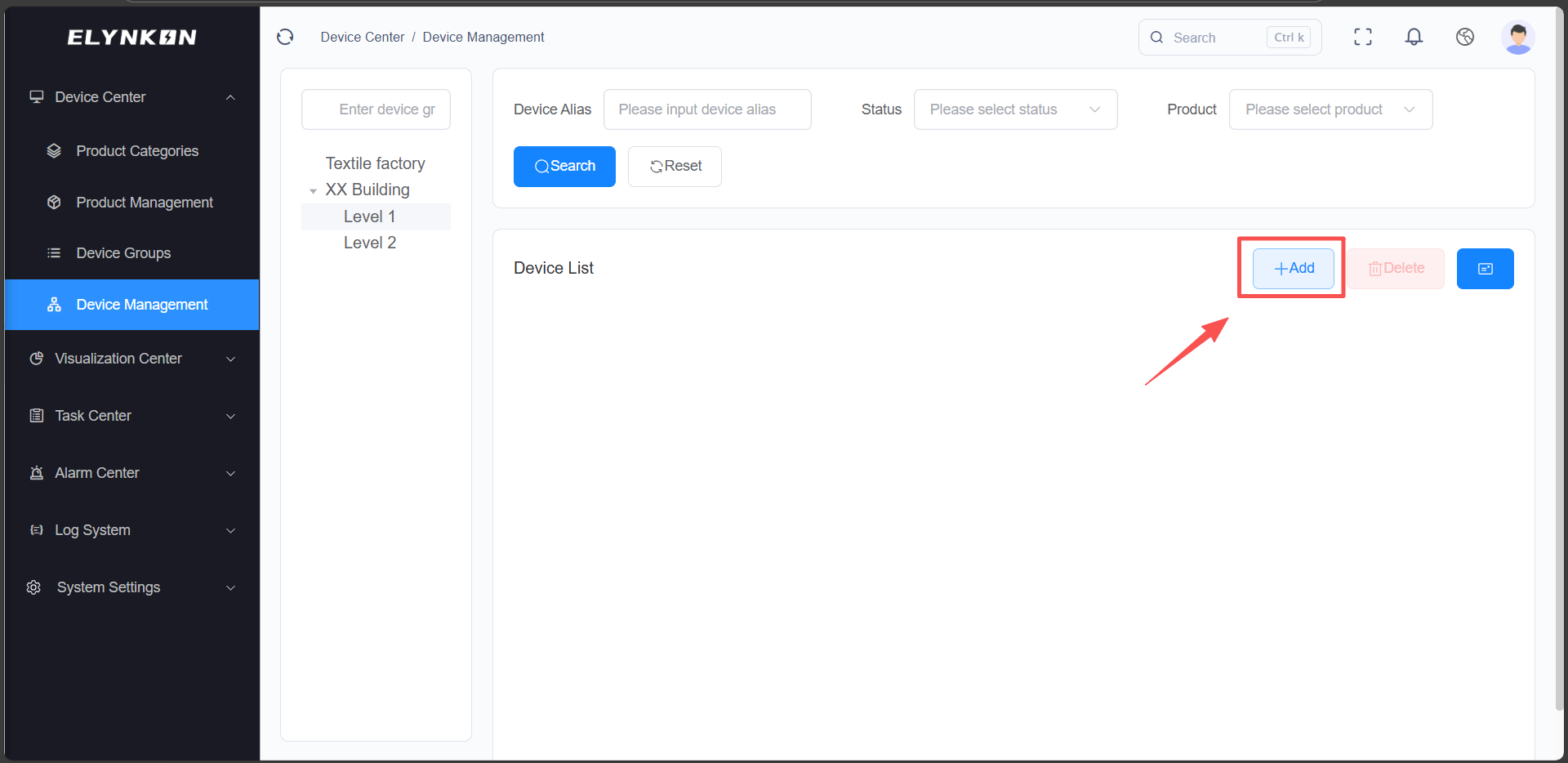
In the Device Management module, click the "+Add" button to add a device.
Filling in Device Basic Information
- Step 1: Enter device name: for example, "L1 HMI".
- Step 2: Select device group: for example, "XX Building" - "Level 1".
- Step 3: Select product: for example, "Renatta IoT HMI".
- Step 4: Select status: Normal or Disabled.
- Step 5: Enter description.
- Step 6: Click the "Save" button.
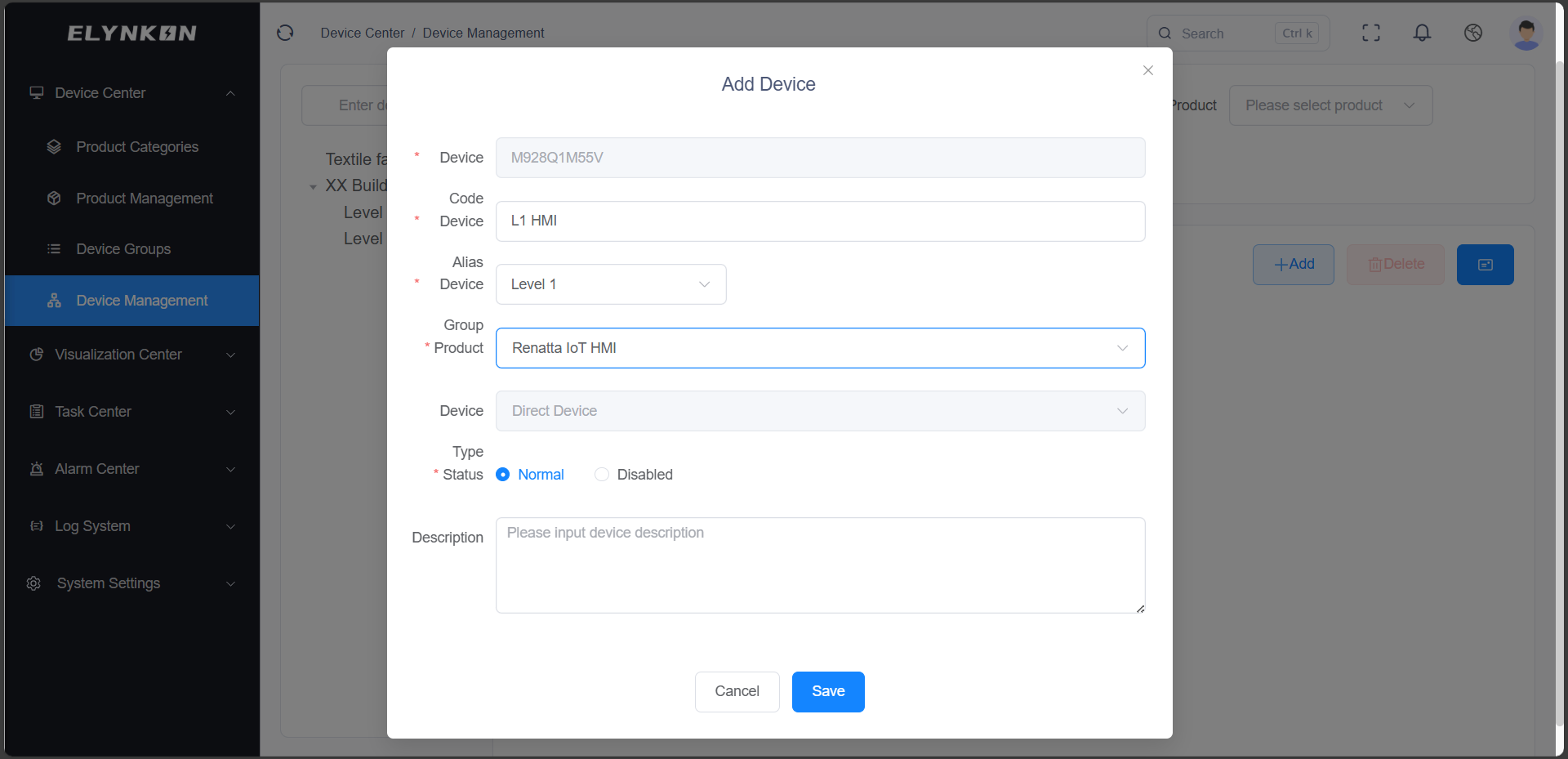
This device will automatically bind to the thing model parameters configured for the product you select.
Device Details
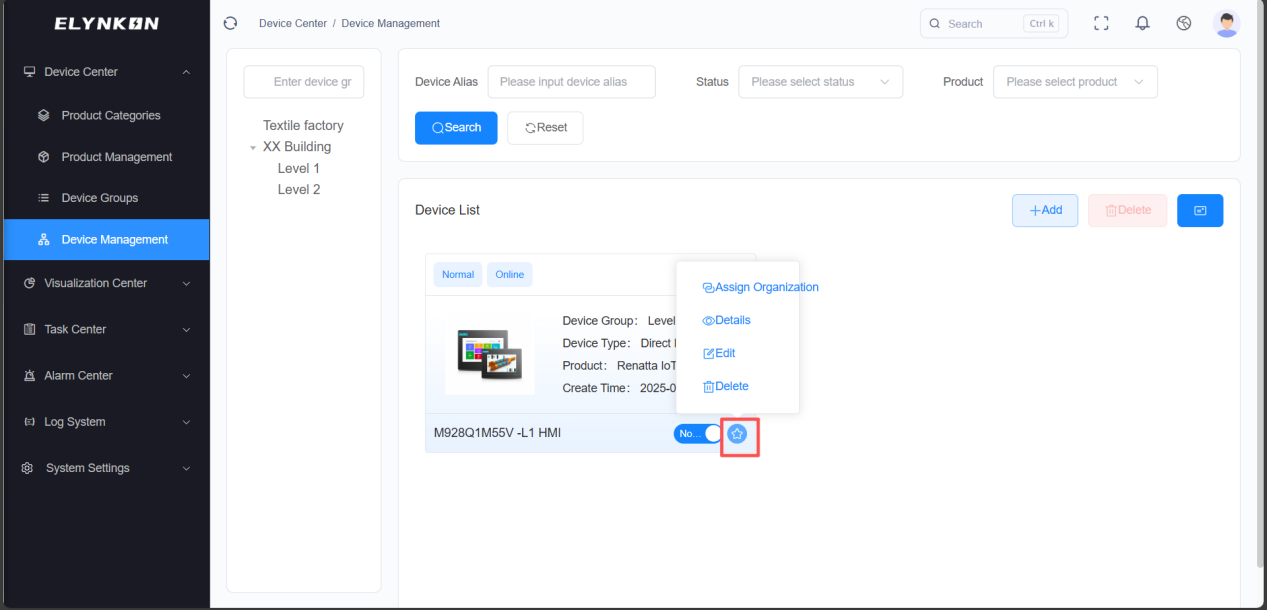
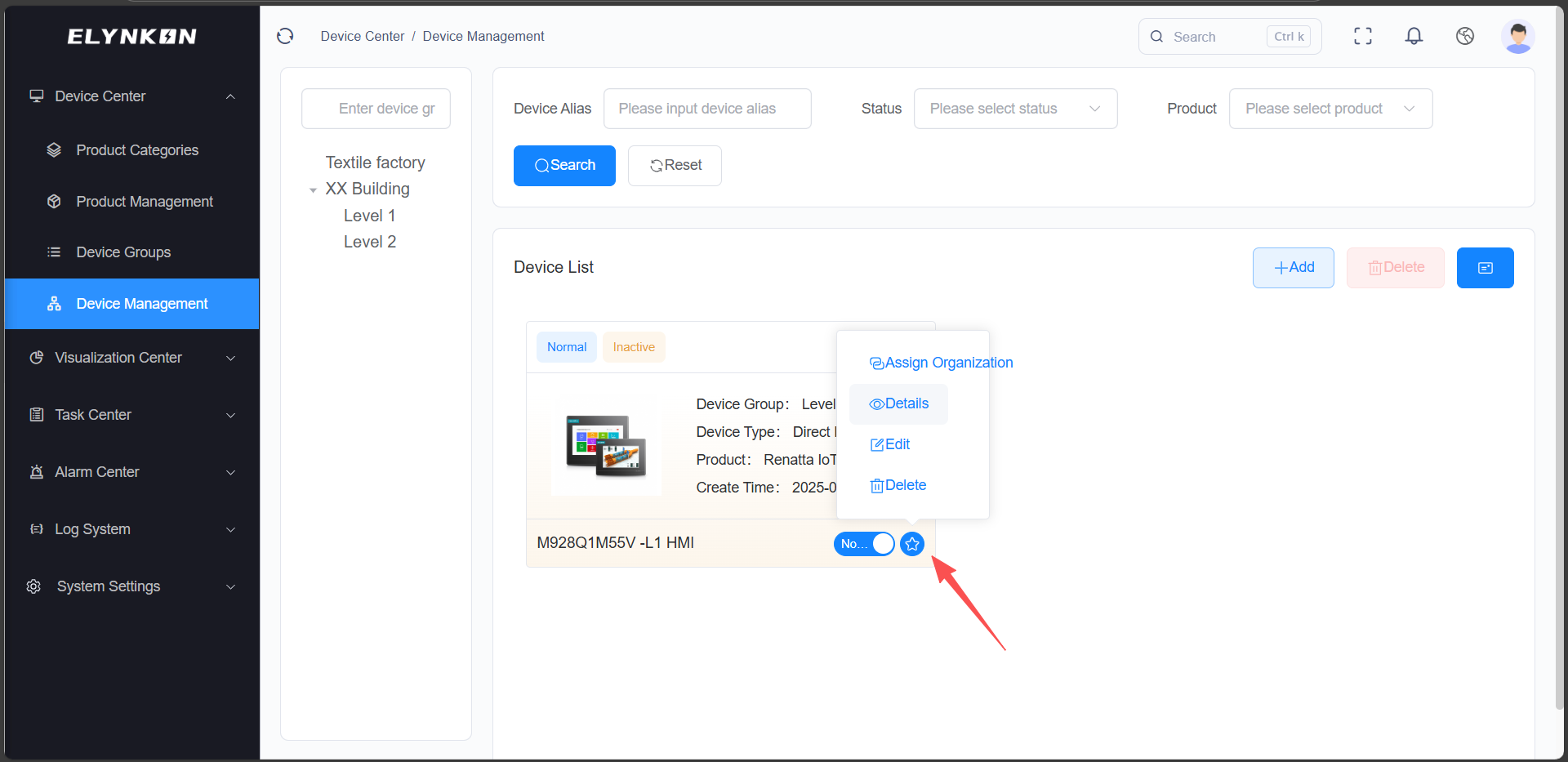
Accessing the Device Detail Page
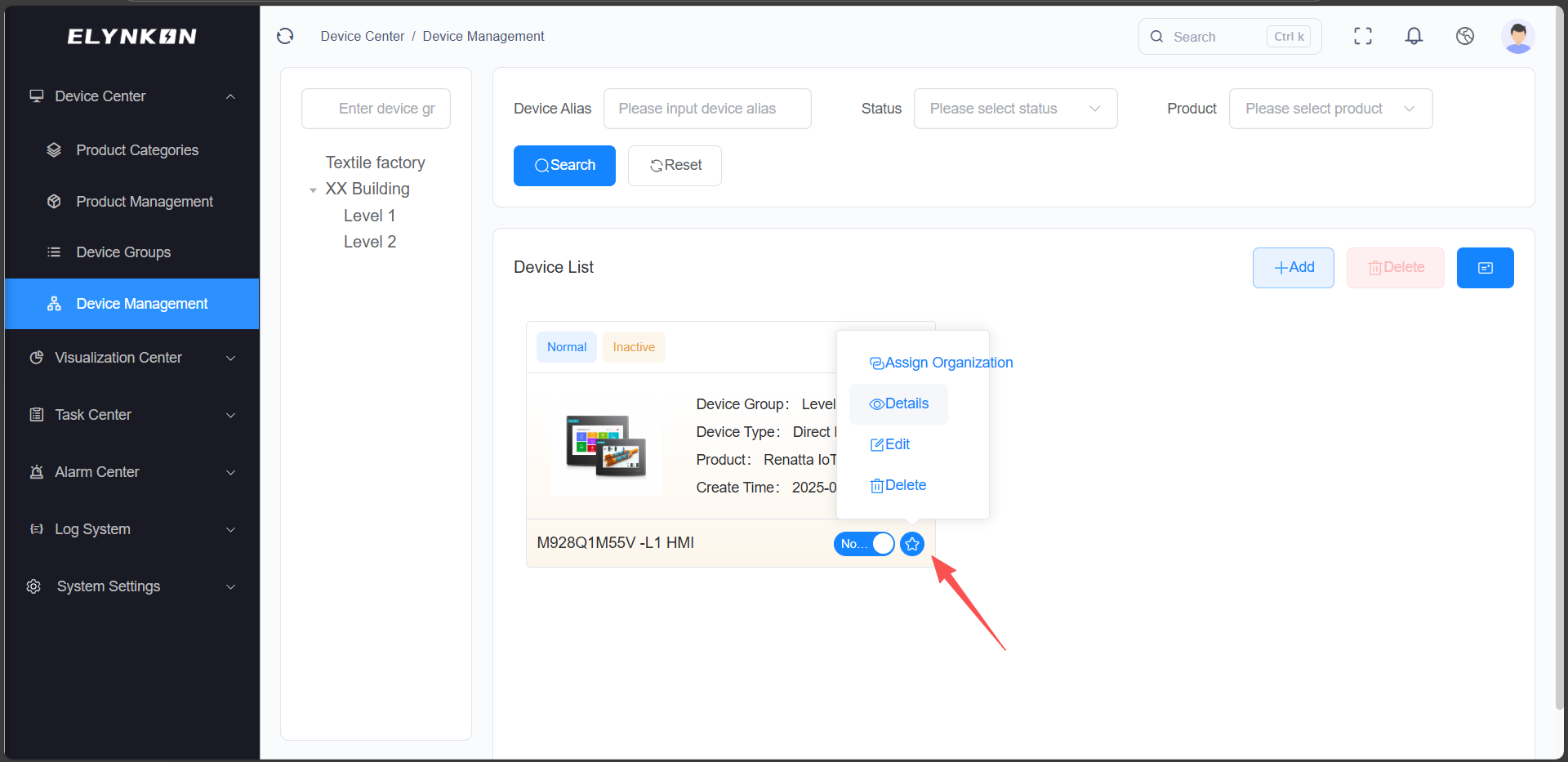
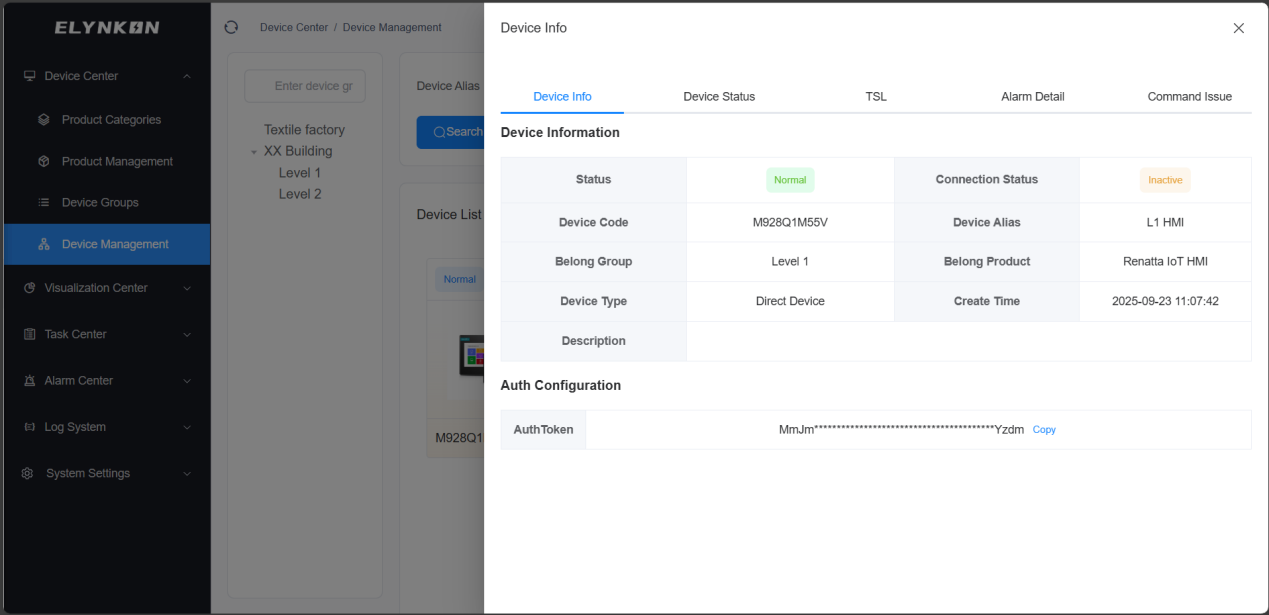
Click the "Detail" button to view the device details.
TSL Tab
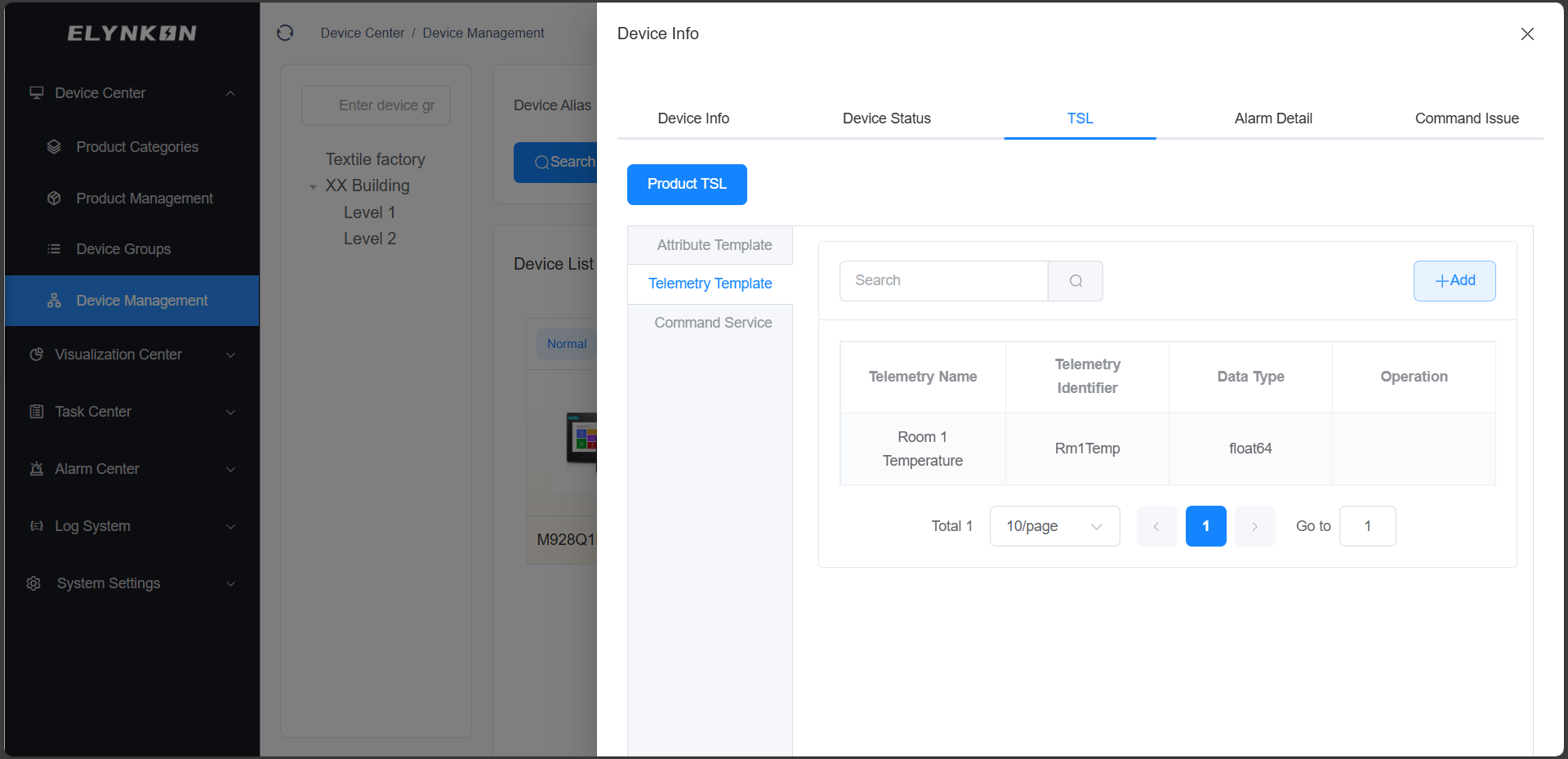
In the TSL tab, you can view the parameters of this device—these parameters are derived from the parameters configured in the product and have been automatically synced to this device. All devices created based on this product will automatically load the same parameters. If you need to add special parameters for a specific device individually, you can click the "+ Add" button on this tab to do so.
Command Issue
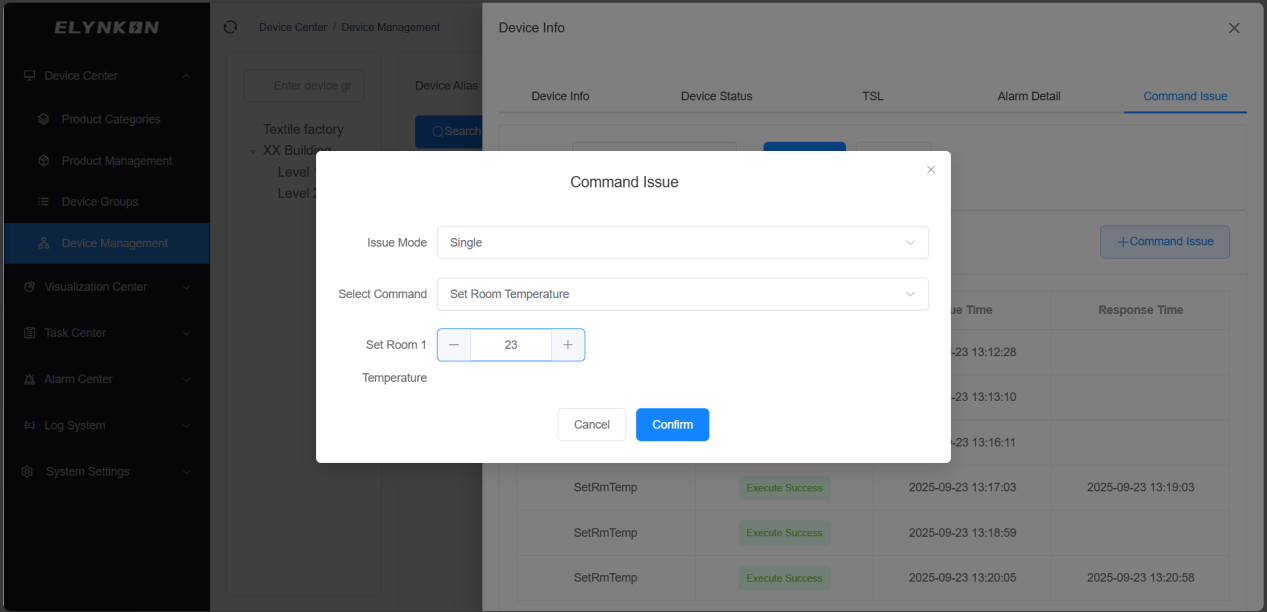
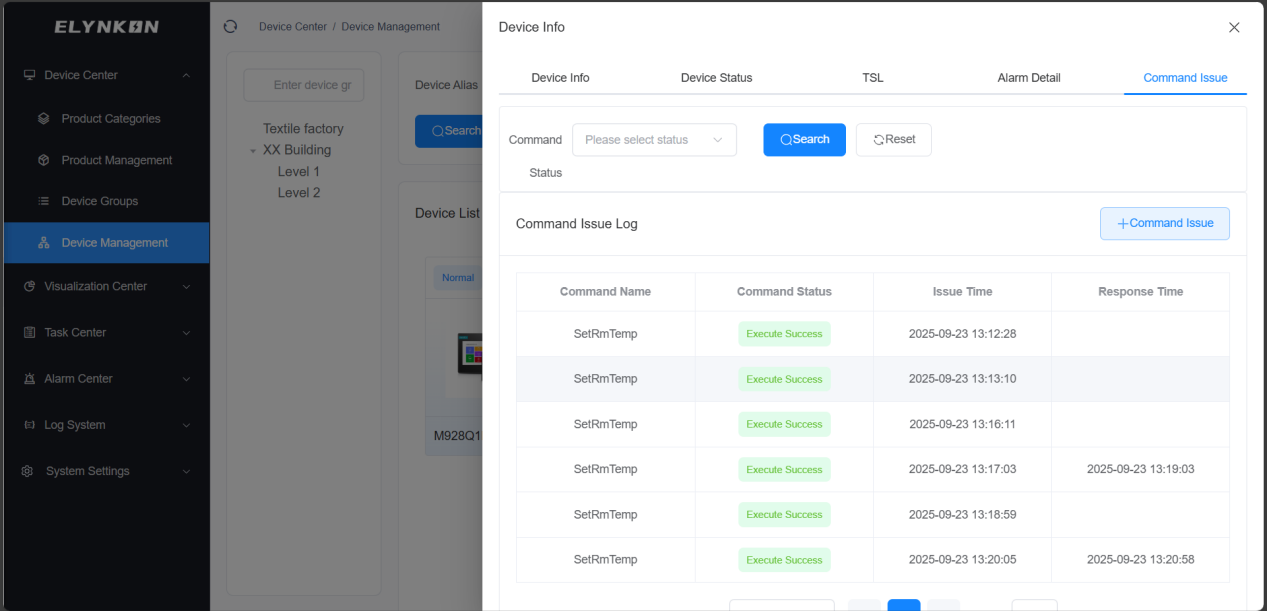
In the Command Issue Page of the corresponding device on the platform, click the "Command Issue" button.
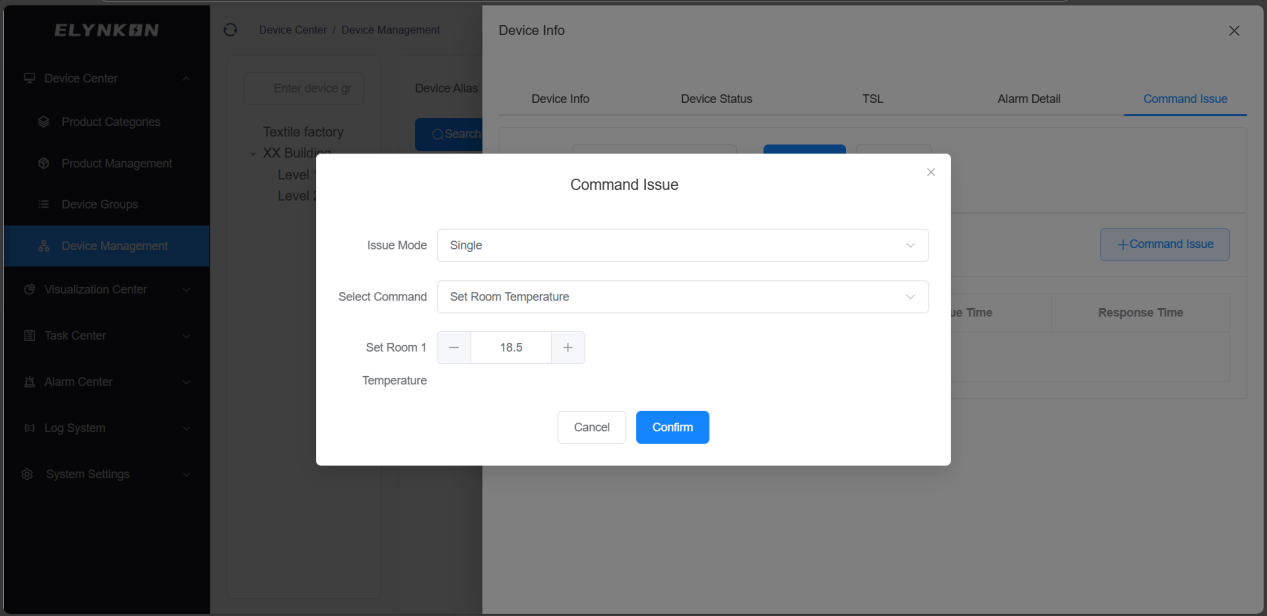
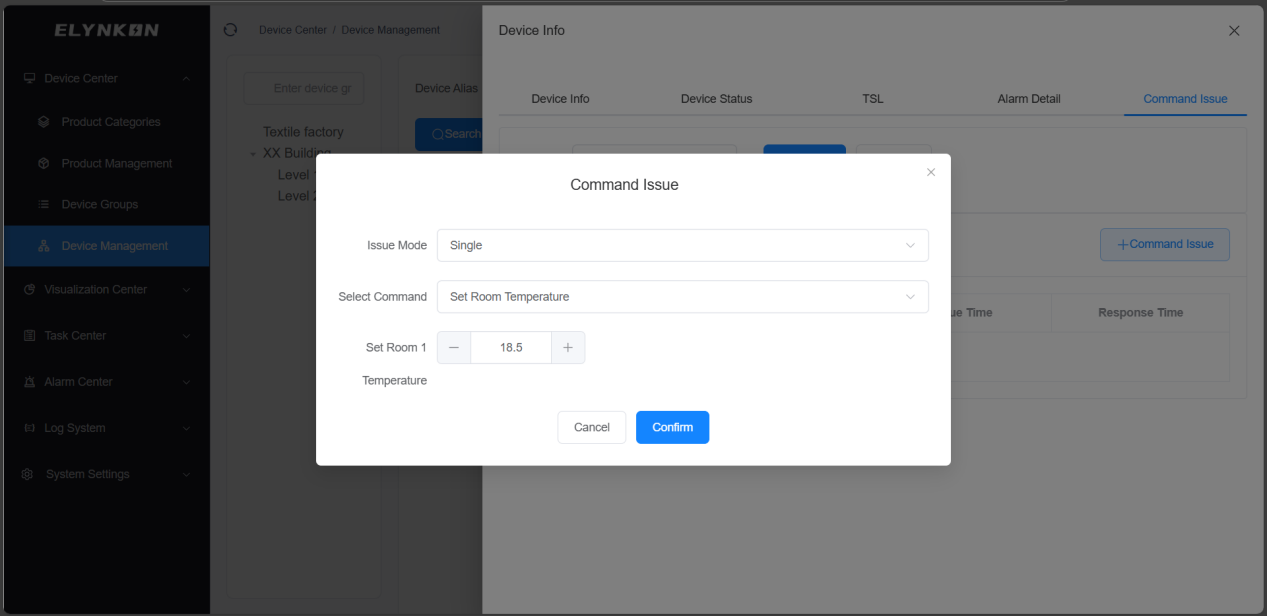
Take single mode as an example: select the Command Service created in the previous steps and enter a value. For example, if you need to adjust the set temperature of Room 1 to 23°C, simply enter the value "23".
Device Status
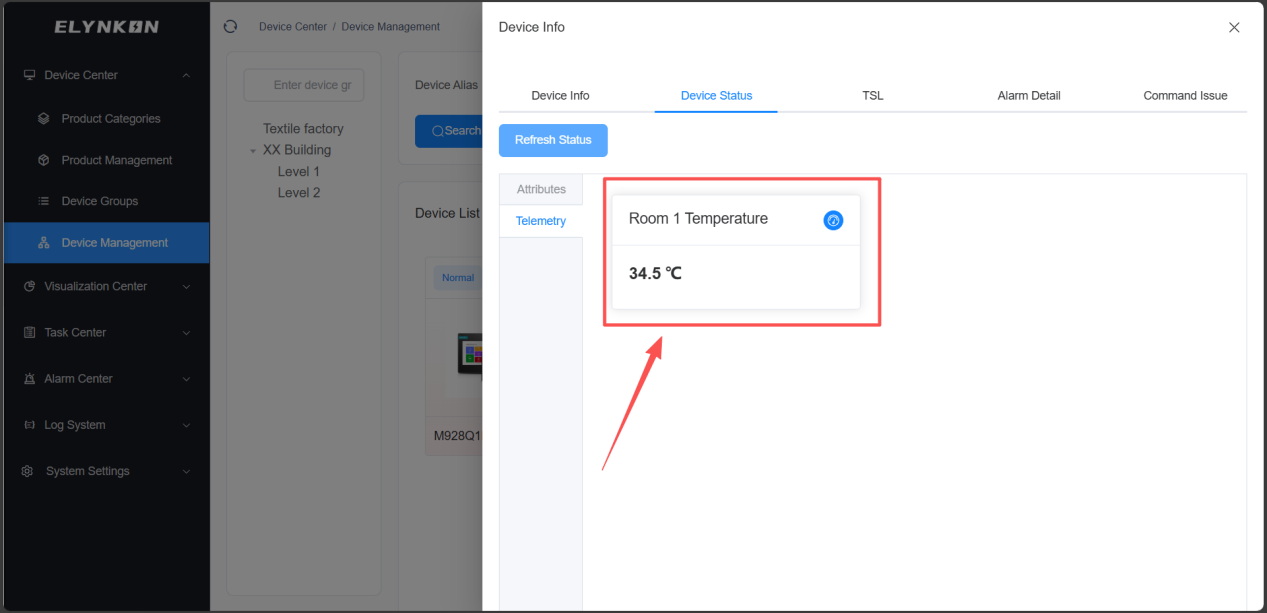
On the Platform's Device Status page, you can view that the platform has successfully received the data reported by the on-site device.
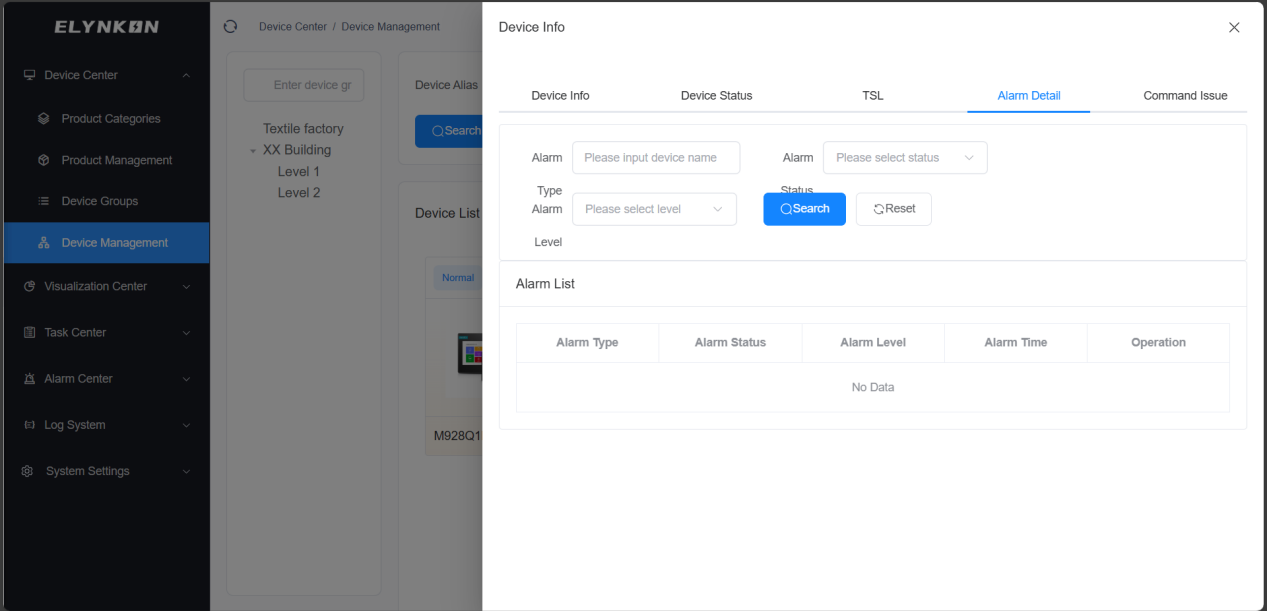
Device Assignment
In the "Operation" column of the row where the target device is located, click the "Assign" button to assign the device to a different device group.
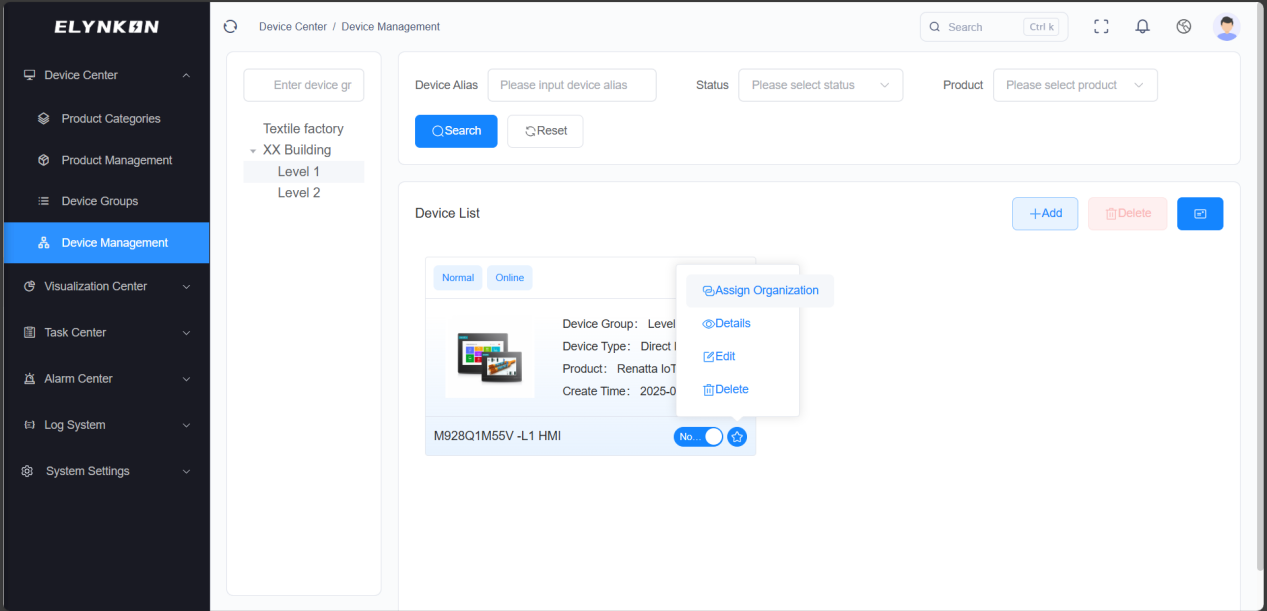
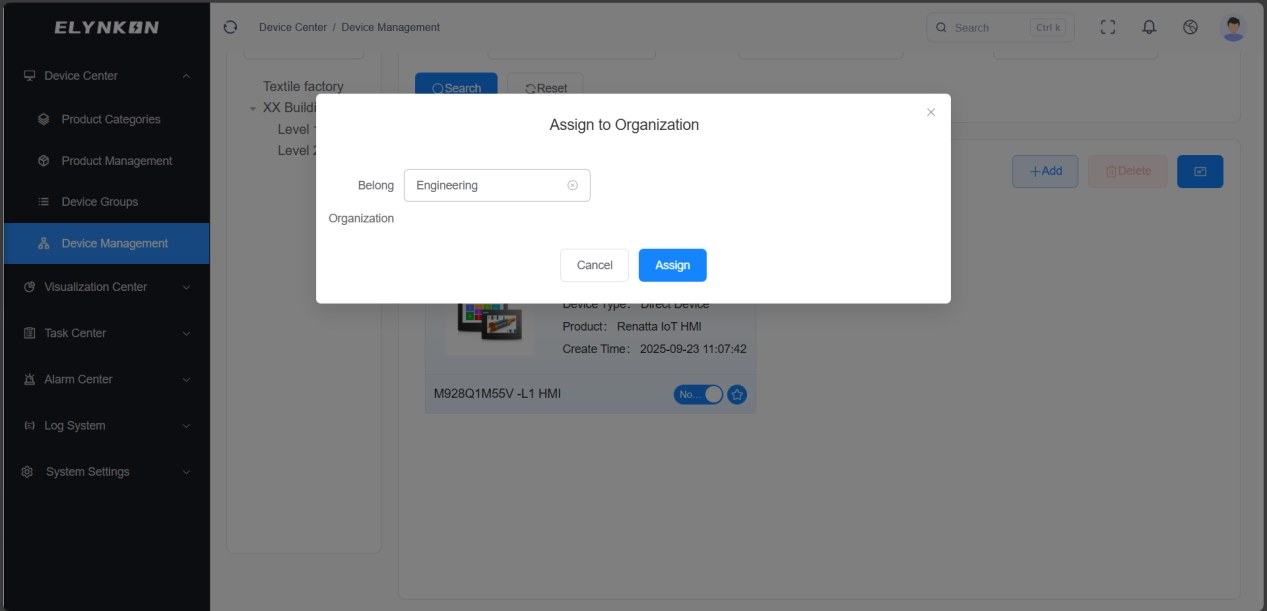
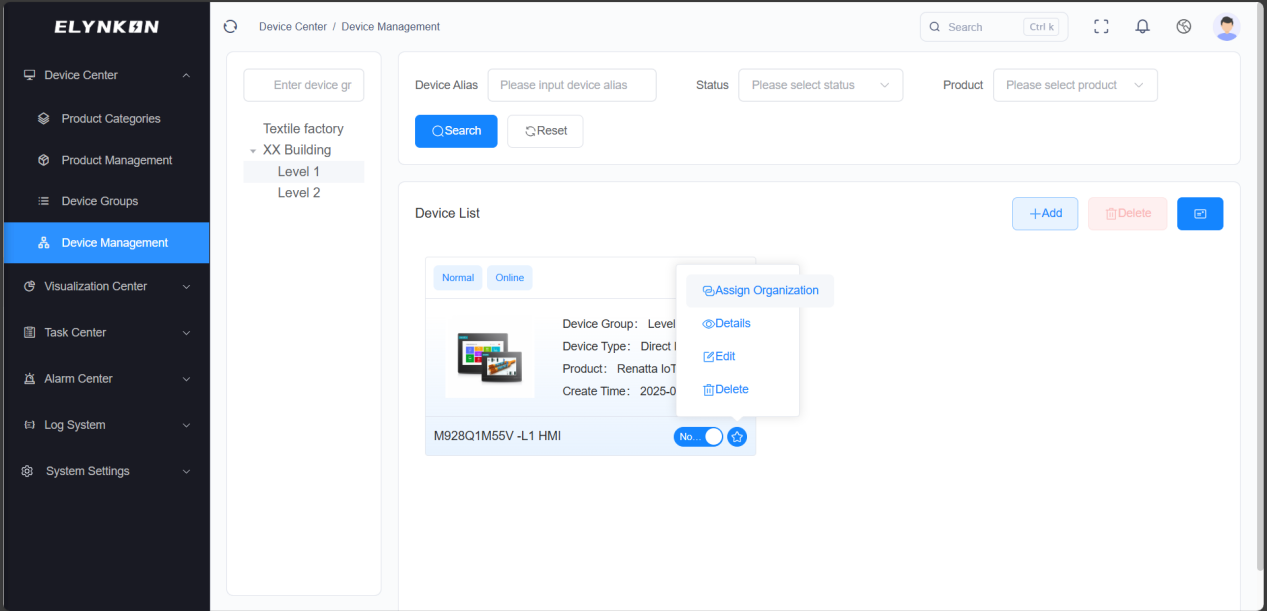
Device Modification
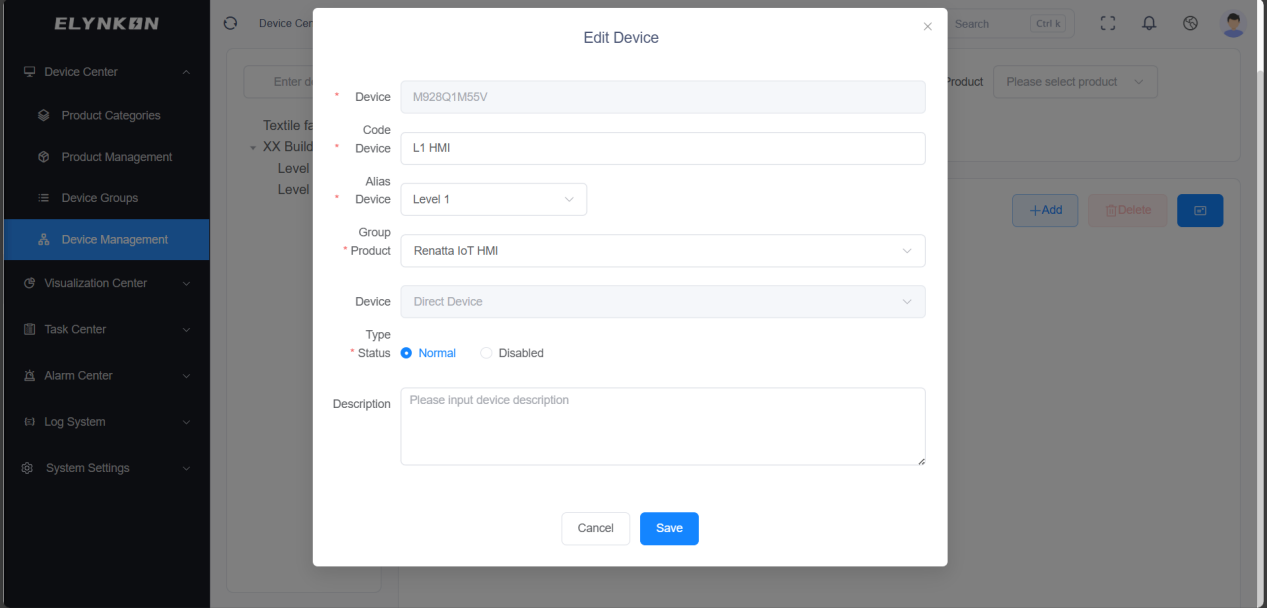
In the "Operation" column of the row where the target device is located, click the "Edit" button to access the dedicated editing page for this device and then modify the device information.
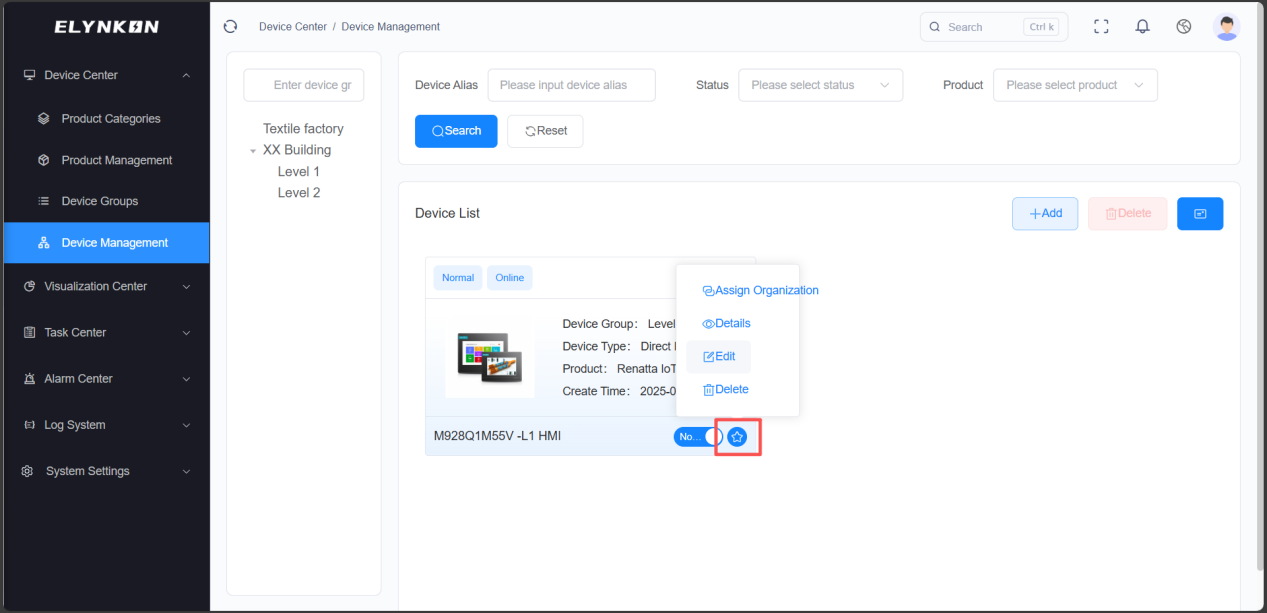
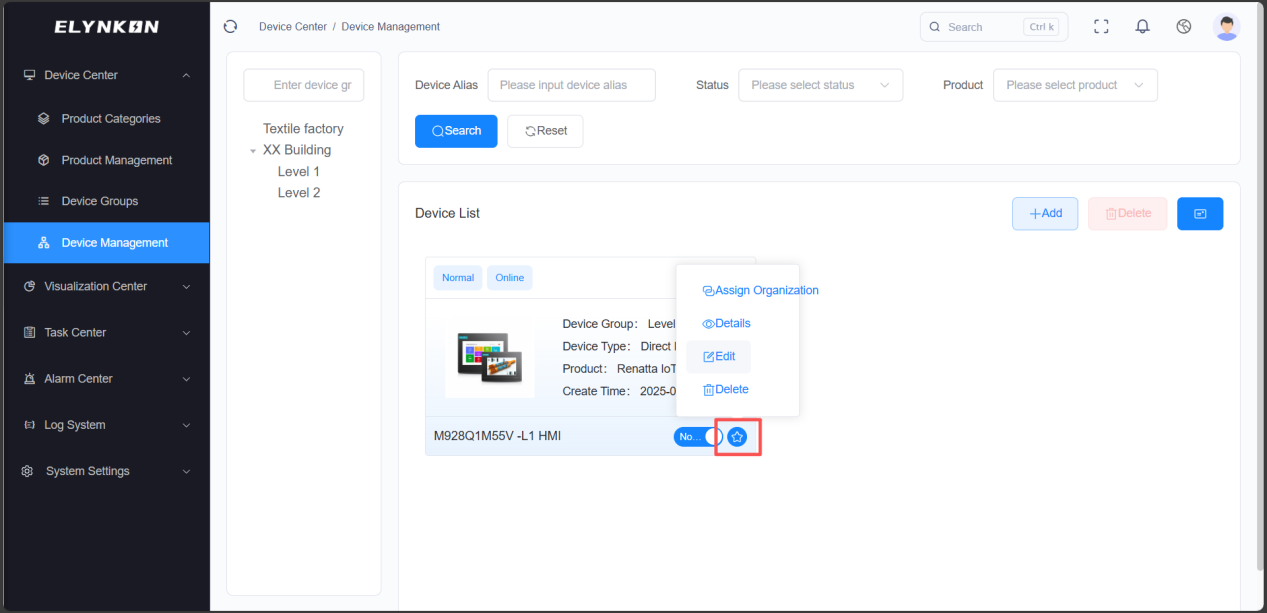
Modifiable device information includes: device name, device group, product, status, and description. Click the "Save" button to complete the modification.
Device Deletion
DANGER
Deleting a device is irreversible. All data associated with this device will be permanently removed.
In the "Operation" column of the row where the target device is located, click the "Delete" button. After the confirmation window pops up, click the "Confirm" button in the window to complete the deletion of the device.